Introduction
TWAP orders allow you to split a large trade into smaller parts, executed at regular intervals. This helps in minimizing market impact and in doing so likely achieves a better average price.Benefits
- Reduce price impact on large orders: For example, buying
$1Mof ETH over 3 hours in 6 parts; the TWAP will place an order of$166kevery30min, significantly reducing the price impact and allowing the market to recover. - Average buy price over time: This strategy reduces the risk of buying at a high price by averaging the prices over a selected period.
- Ideal for recurring or big trades: The minimum required order size is
$1kon Mainnet or$5on Gnosis Chain, Arbitrum One and Base.
Placing a TWAP Order
Connect your Safe wallet
CoW Swap TWAP requires a Safe wallet.- 🆕 If you don’t have one, you can create a Safe wallet
- 🔌 With your Safe wallet, open CoW Swap (Safe App)
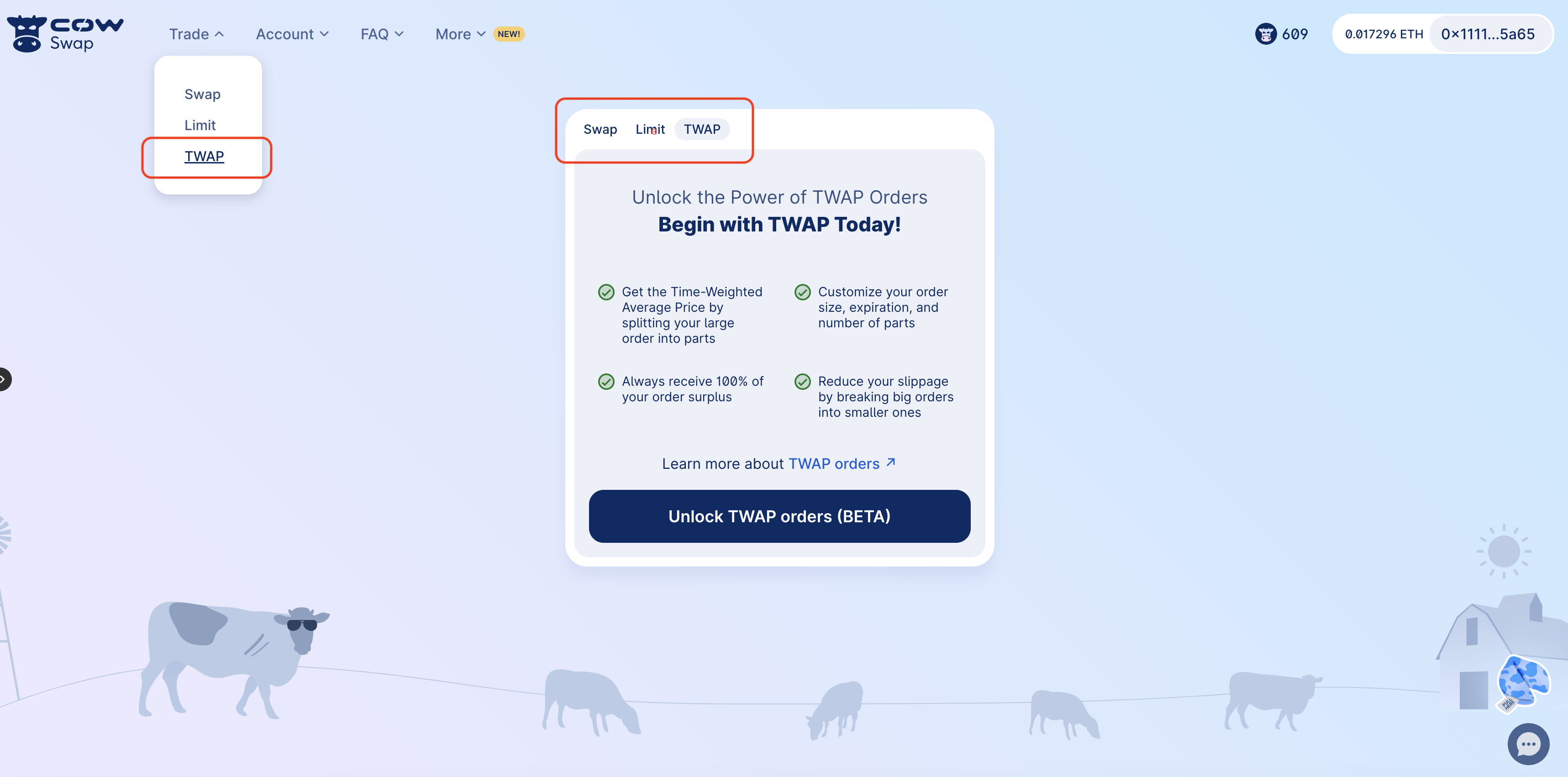
Select tokens
Choose the token you wish to sell (e.g.,WETH) and enter the total amount you wish to sell.
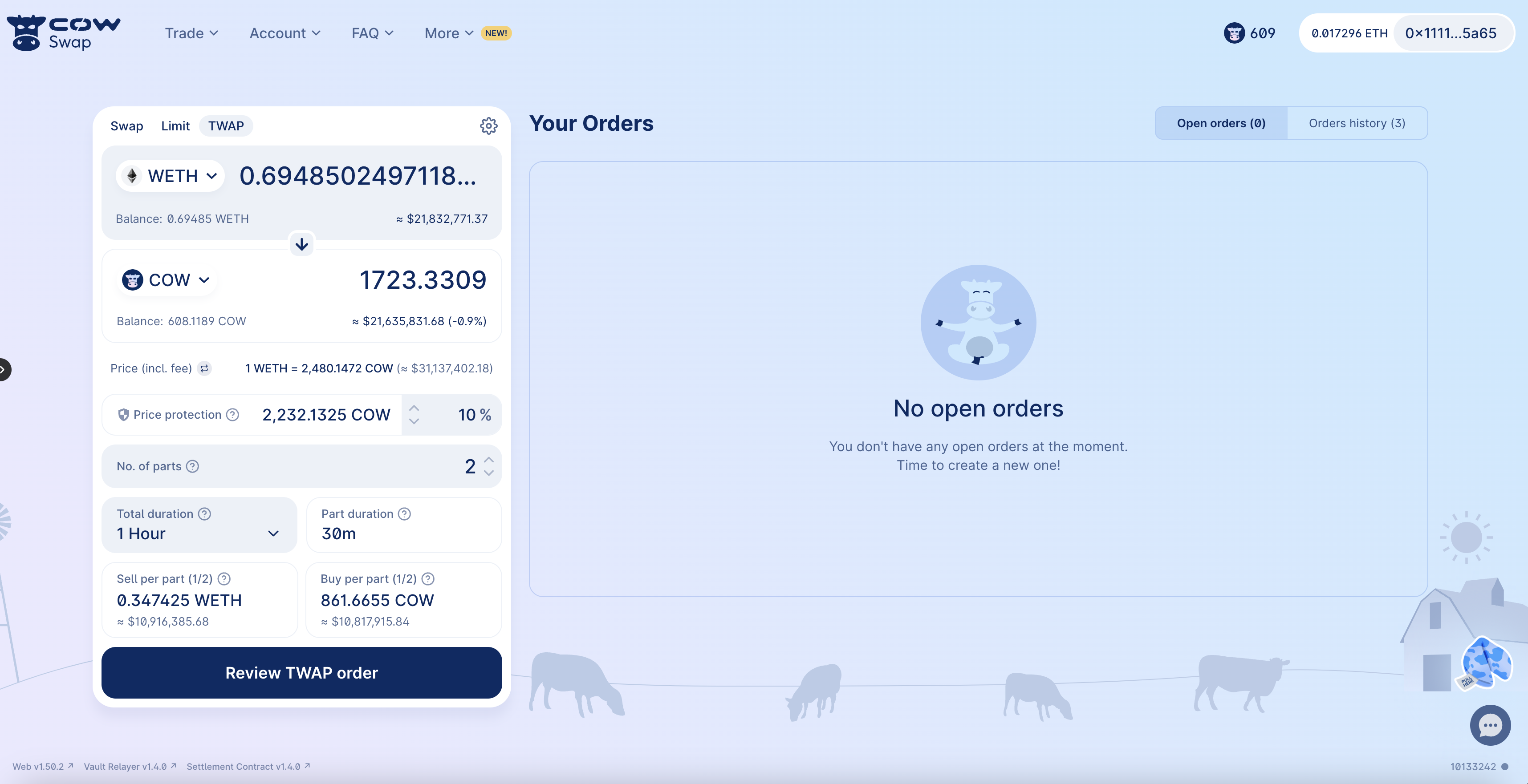
Specify parameters
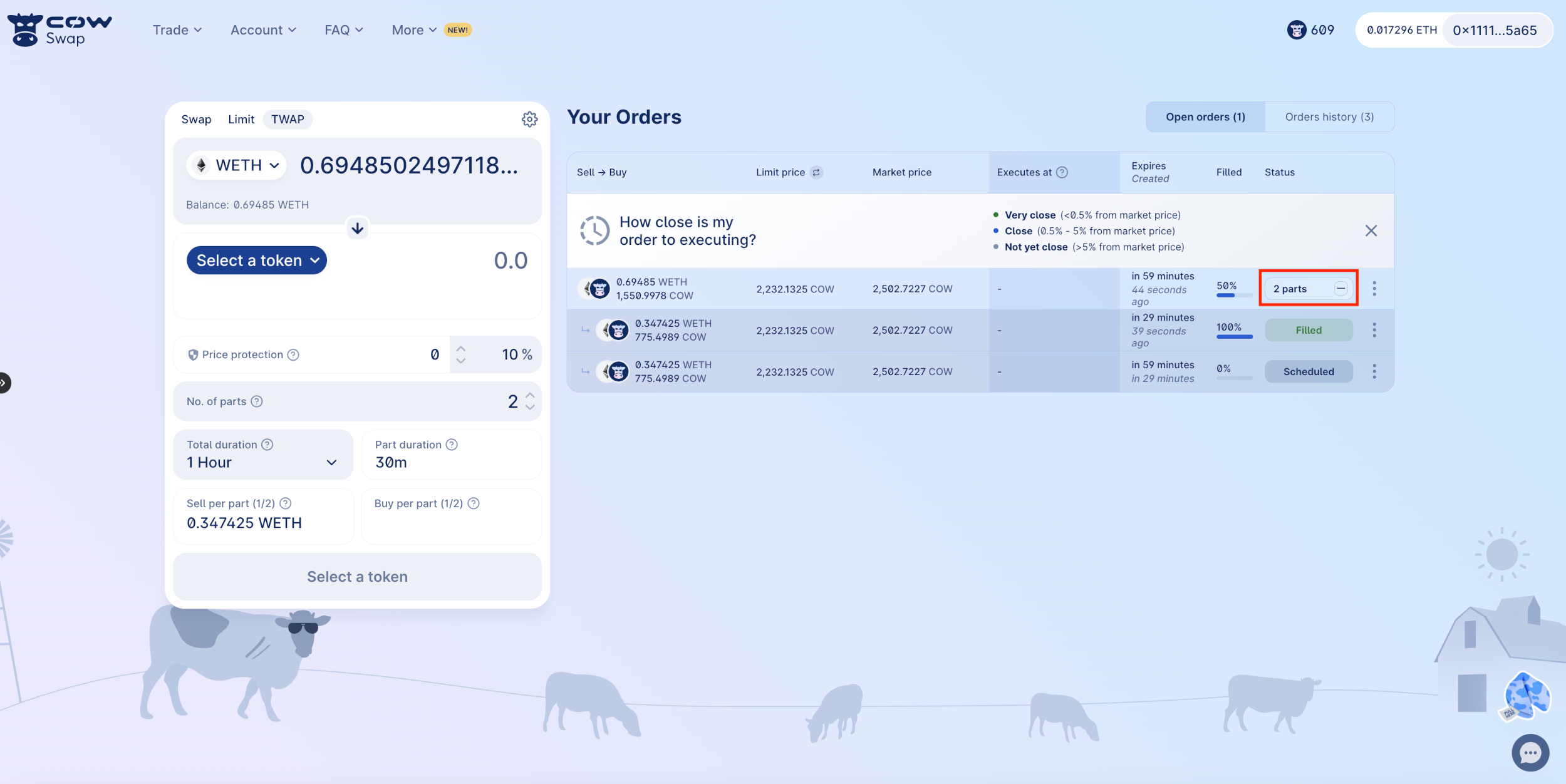
This is a critical step where you’ll define how your order will be executed over time. Here’s how to fine-tune your TWAP order settings: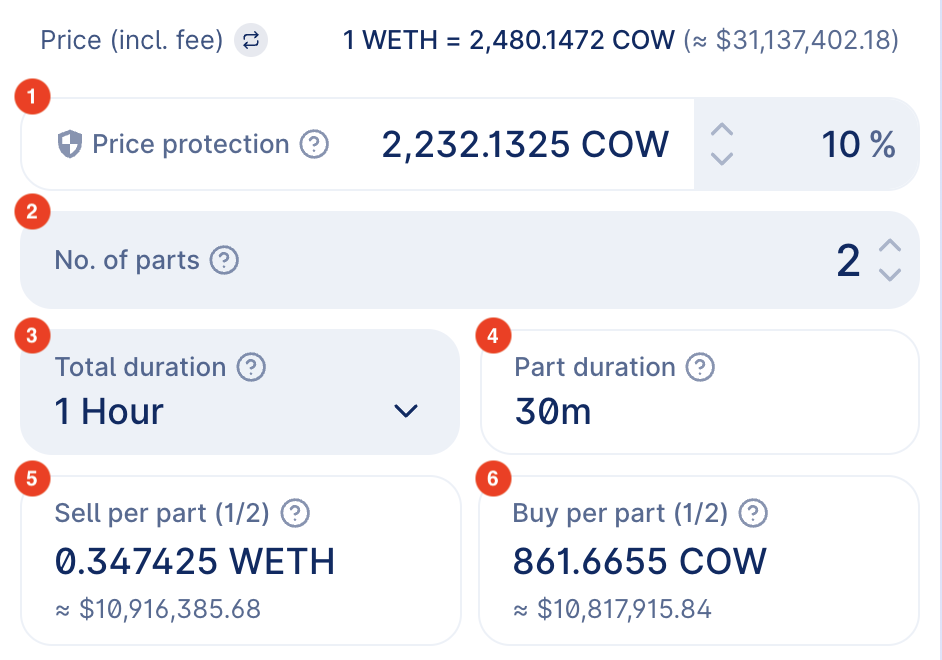
- Price Protection: This is a measure to prevent your order from being executed at a price that’s too far from the market price when the order was placed. Set the percentage of price protection to define the acceptable price range for your trades. For instance, a 10% price protection means that your order will not execute if the price moves unfavorably by more than 10% from the price at the time the order was made.
-
Number of Parts: Decide how many discrete parts you want to divide your order into. This choice will determine the granularity of your TWAP strategy. For example, if you choose to split your order into 2 parts and you are selling a total of 2 WETH, each part will involve selling 1 WETH. The parts have a minimum size of
$5kon Mainnet or$5on Gnosis Chain because each part will need to be executed on-chain, meaning there’s a cost associated with each execution. - Total Duration: Choose the total time frame over which your order should be executed. The TWAP strategy will distribute your trades evenly across this duration. Select from predefined durations like 1 hour, or set a custom duration based on your trading strategy.
- Part Duration (read-only): View the duration of each individual part of your order. It is calculated automatically as the total duration divided by the number of parts. For instance, if your total duration is 1 hour and you have 2 parts, each part will have a duration of 30 minutes.
- Sell per Part (read-only): After setting the number of parts and the total duration, the interface will display the sell amount for each part. Ensure this aligns with your trade expectations.
- Buy per Part (read-only): Similarly, for a buy TWAP order, this will indicate how much of the token you are looking to purchase in each part of the order.
Unsupported wallet? Upgrade Safe Fallback Handler
If your wallet is unsupported, upgrade to a Safe with the special fallback handler required for TWAP orders. Learn all about the new Safe fallback handler and its relevance to Safe in this overview. Naturally, the upgrade process has undergone extensive auditing for increased peace of mind.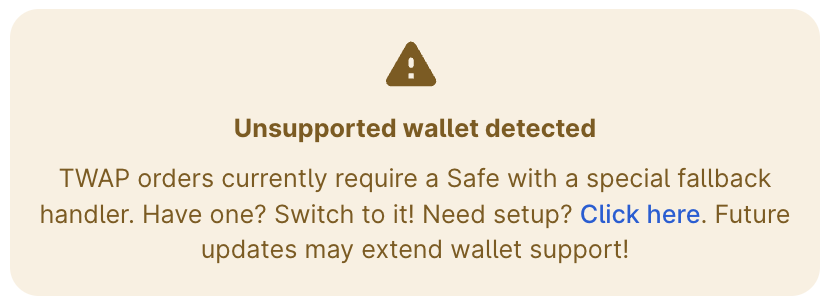
Review and confirm
Check all the details of your order, including price protection and limit price. Once you have reviewed the details, sign the transaction in your Safe interface. Be careful when signing an order. All of the associated parameters are final and cannot be changed once the order is signed and submitted to the API. If you make a mistake, you will need to cancel the order and create a new one. You can do this in the orders overview.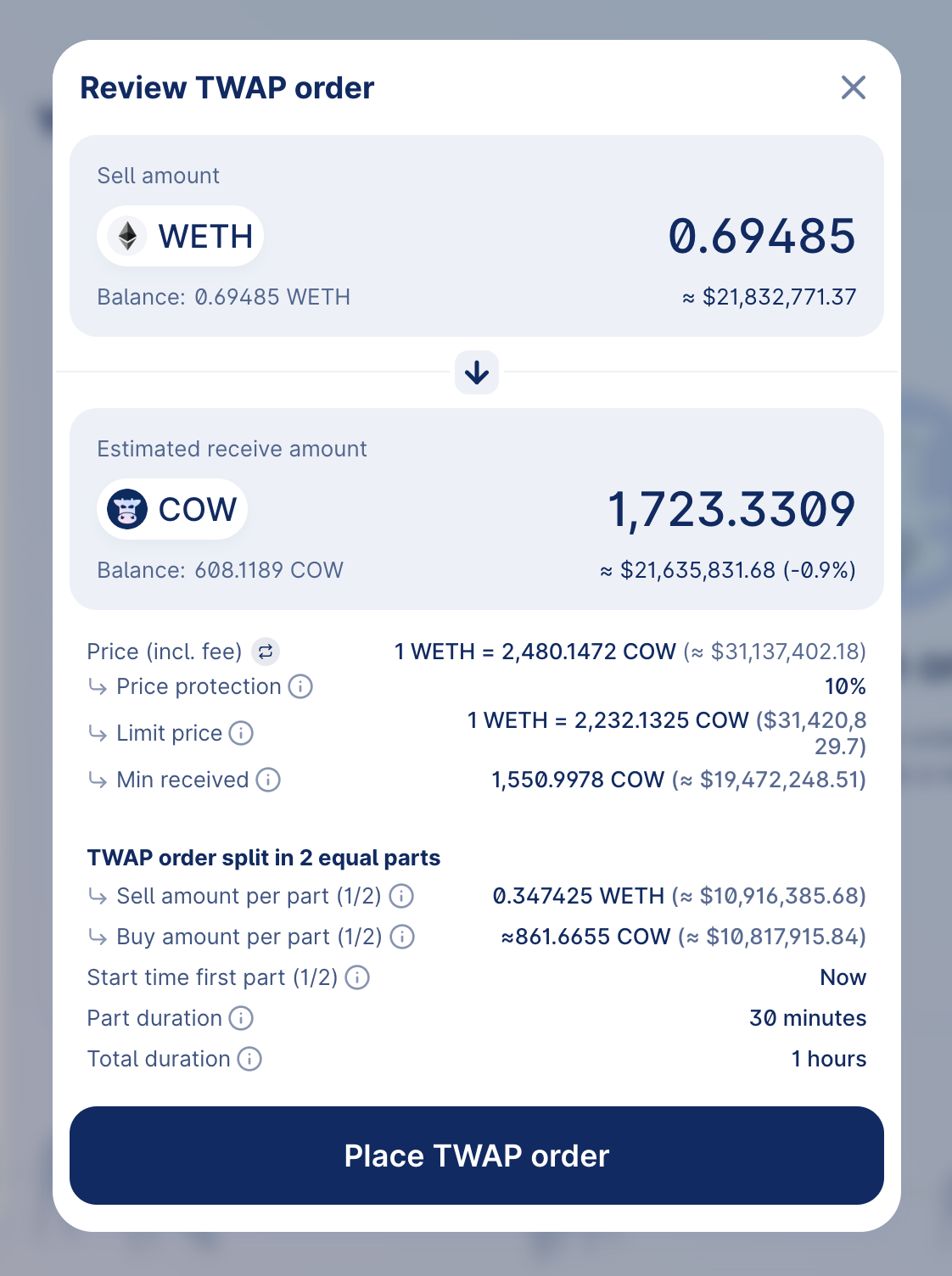
Finalization and monitoring
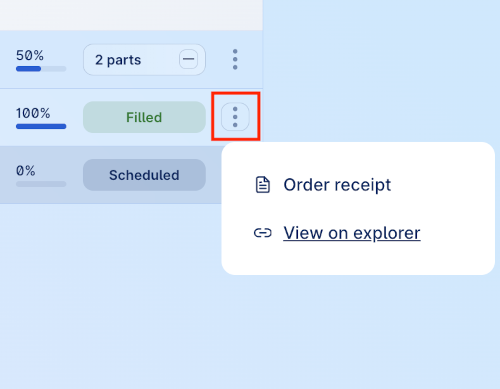
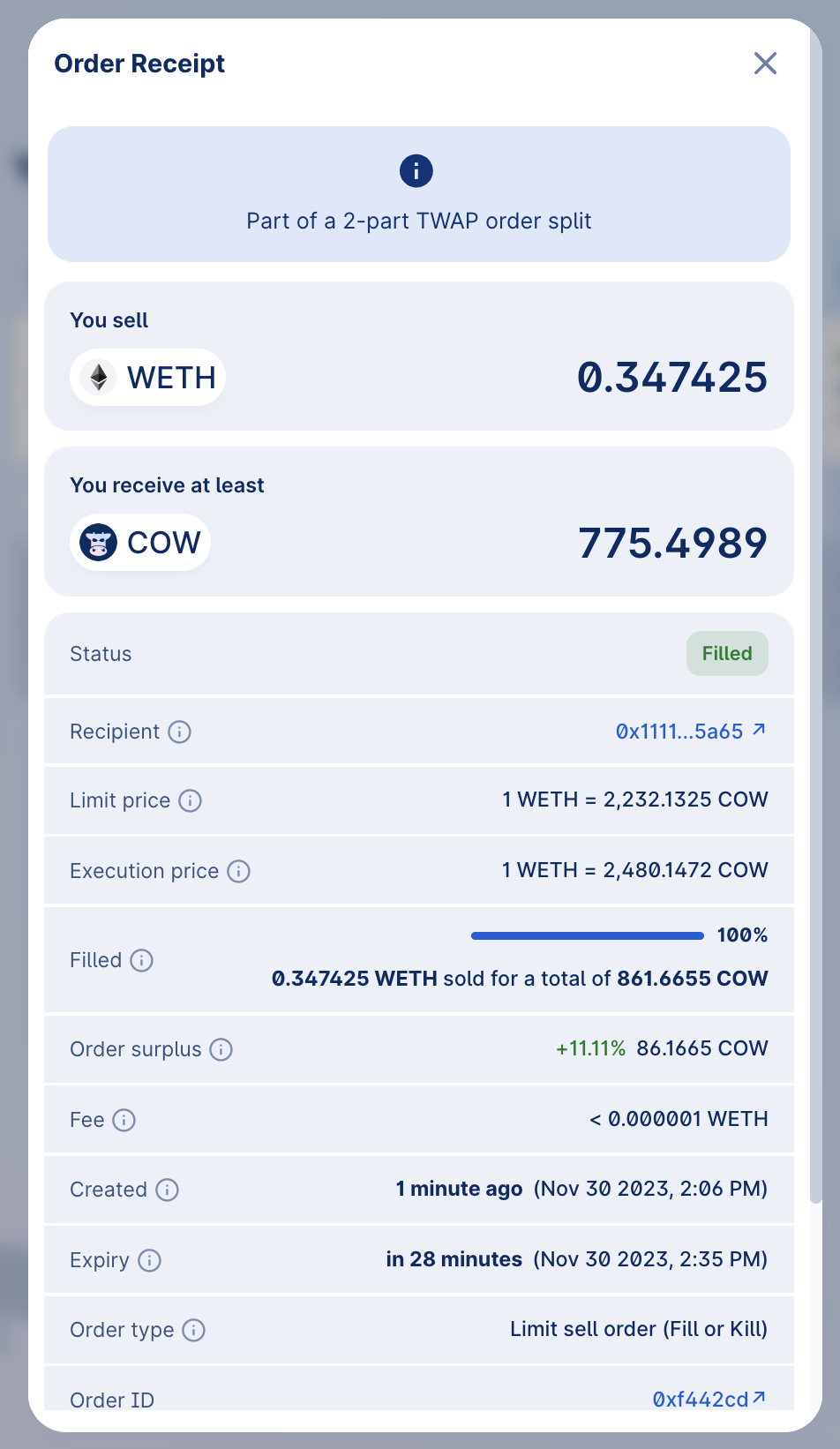
Once you’ve signed the order, the process of finalizing and monitoring your TWAP order begins. This is a multi-step process that ensures your order is securely processed and activated.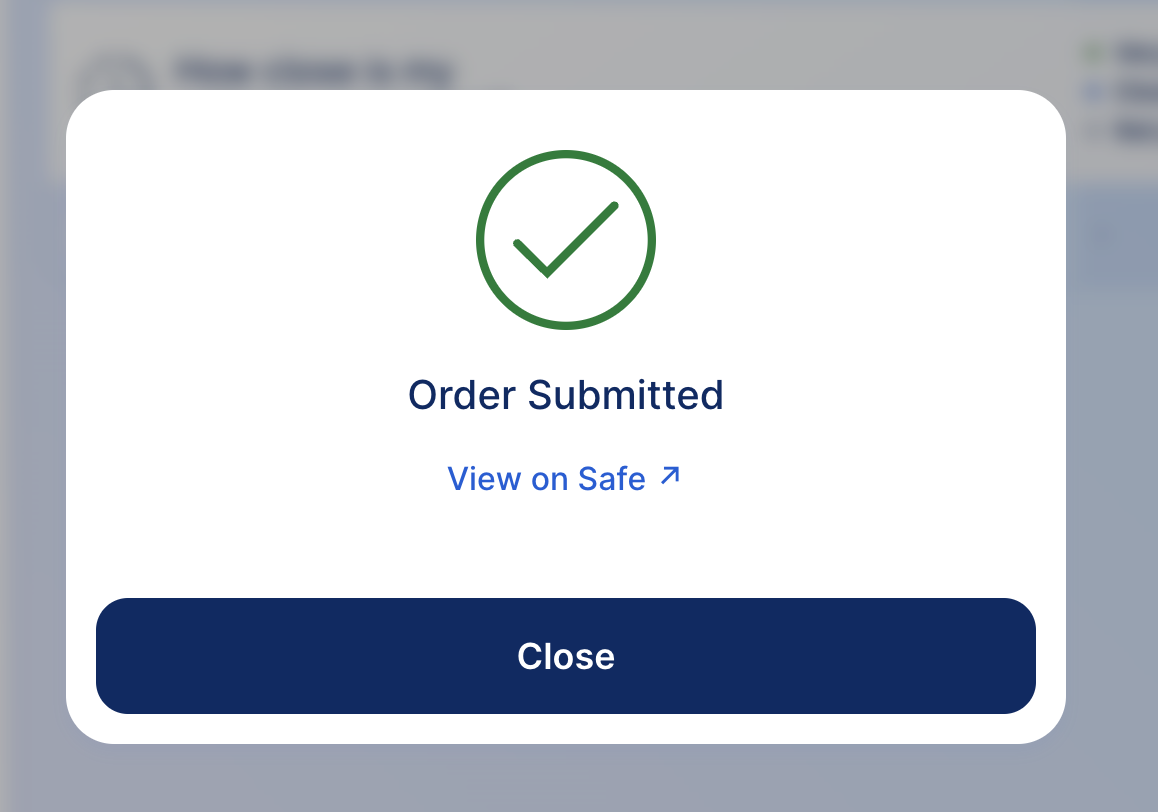
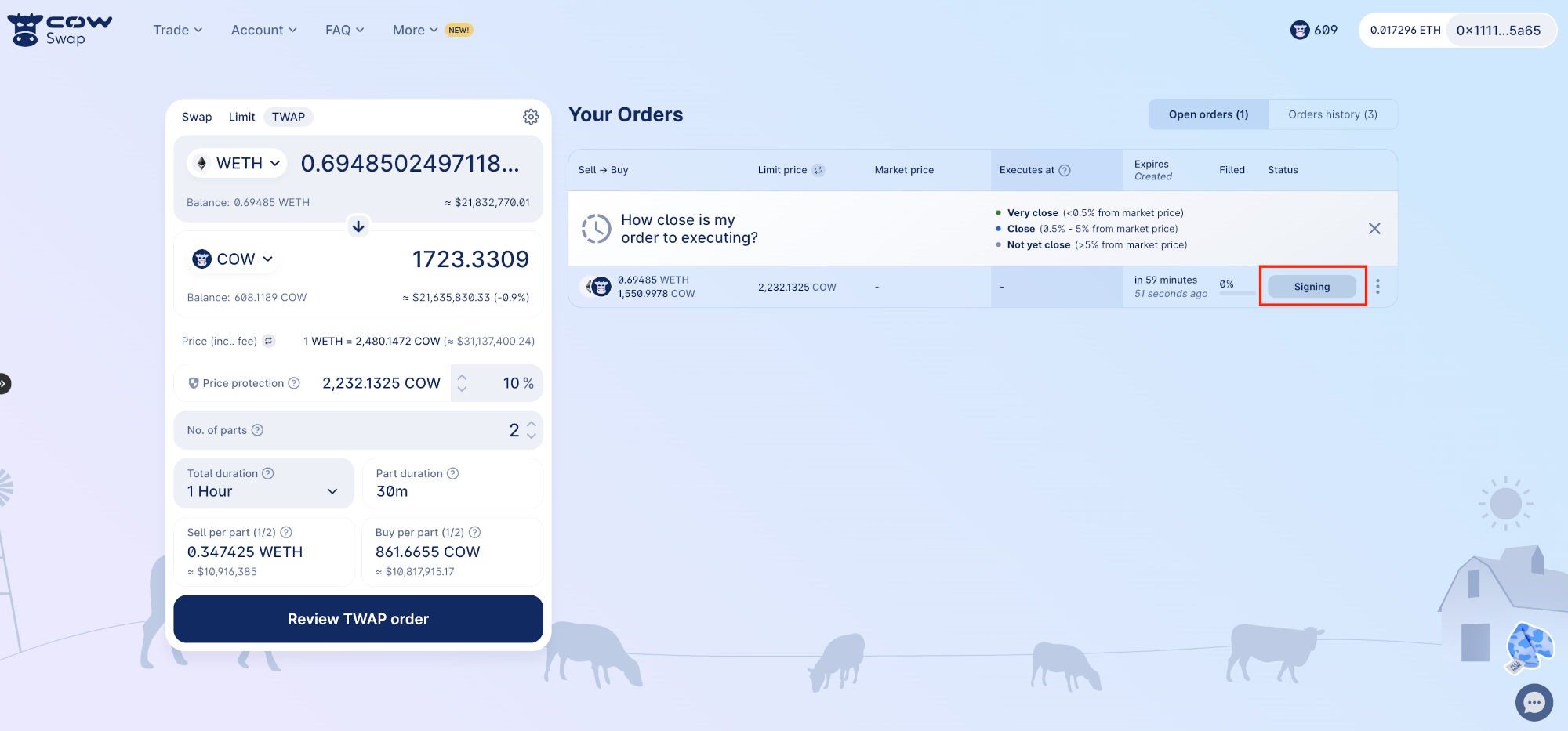

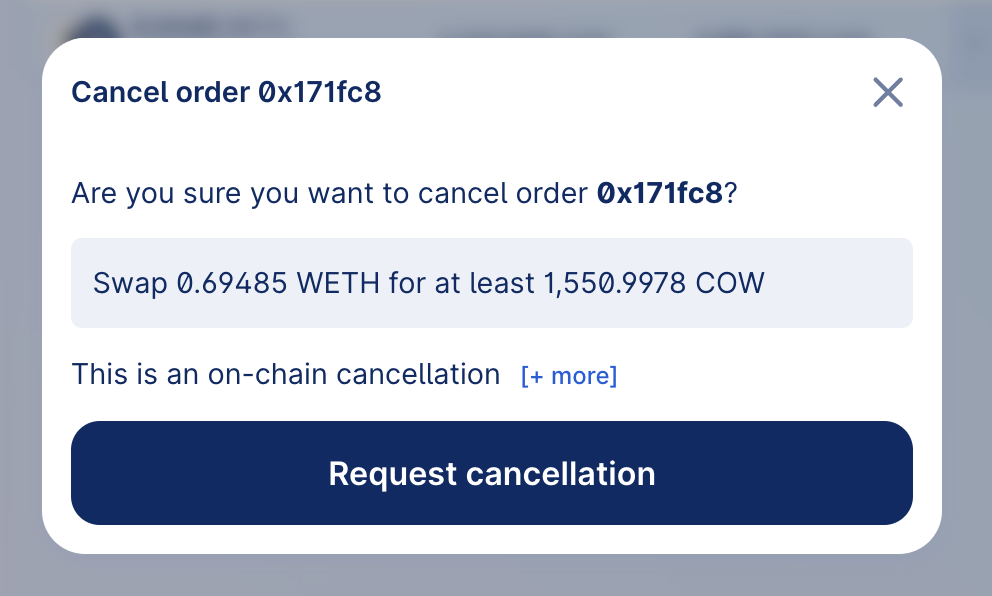
Cancelling a TWAP order
Canceling a TWAP order involves a few simple steps. Begin by locating your active TWAP order in the “Your Orders” section to manage it.