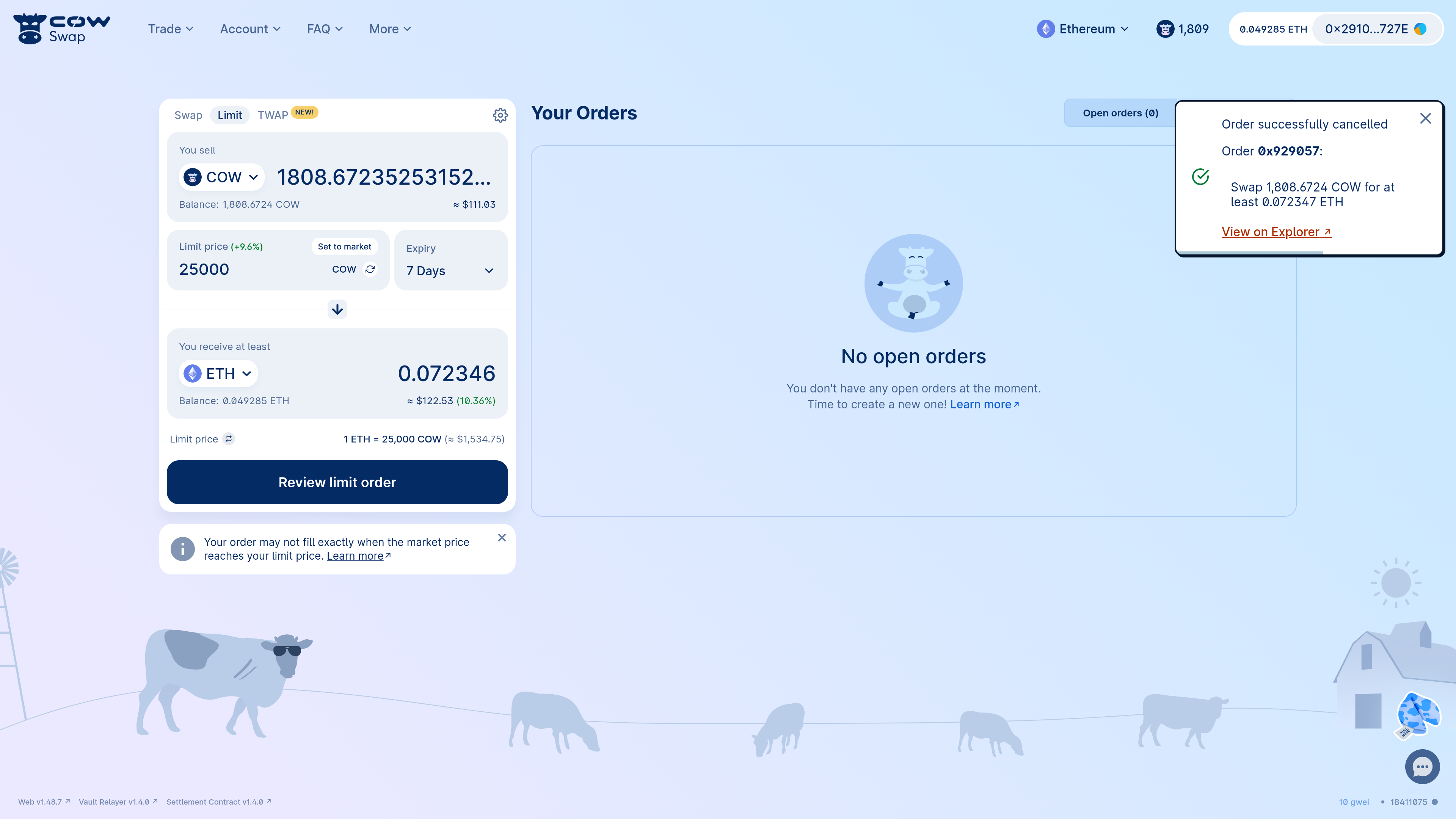
Place a limit order
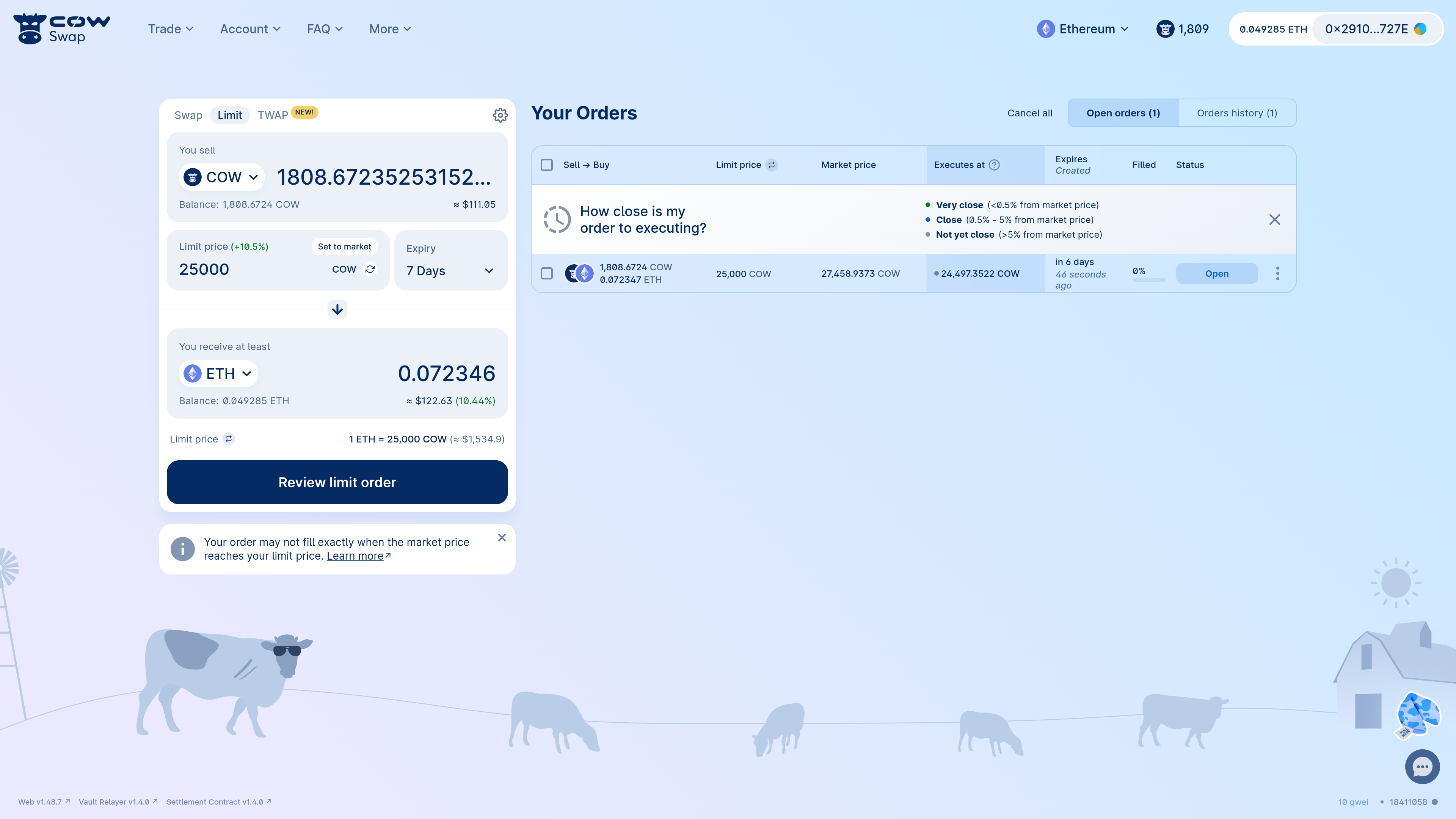
For example, let’s say we want to sellCOW. We can set the limit price at which we want to sell, and the duration over which the limit order is valid:
CoW Protocol does not charge a fee for placing limit orders. Instead, the protocol covers the fees by executing your order at a better price than your limit price. CoW Protocol will wait until the market price is sufficient to cover both your limit price and the network fees - which means that, in practice, your order may not execute exactly when the market price hits your limit price.
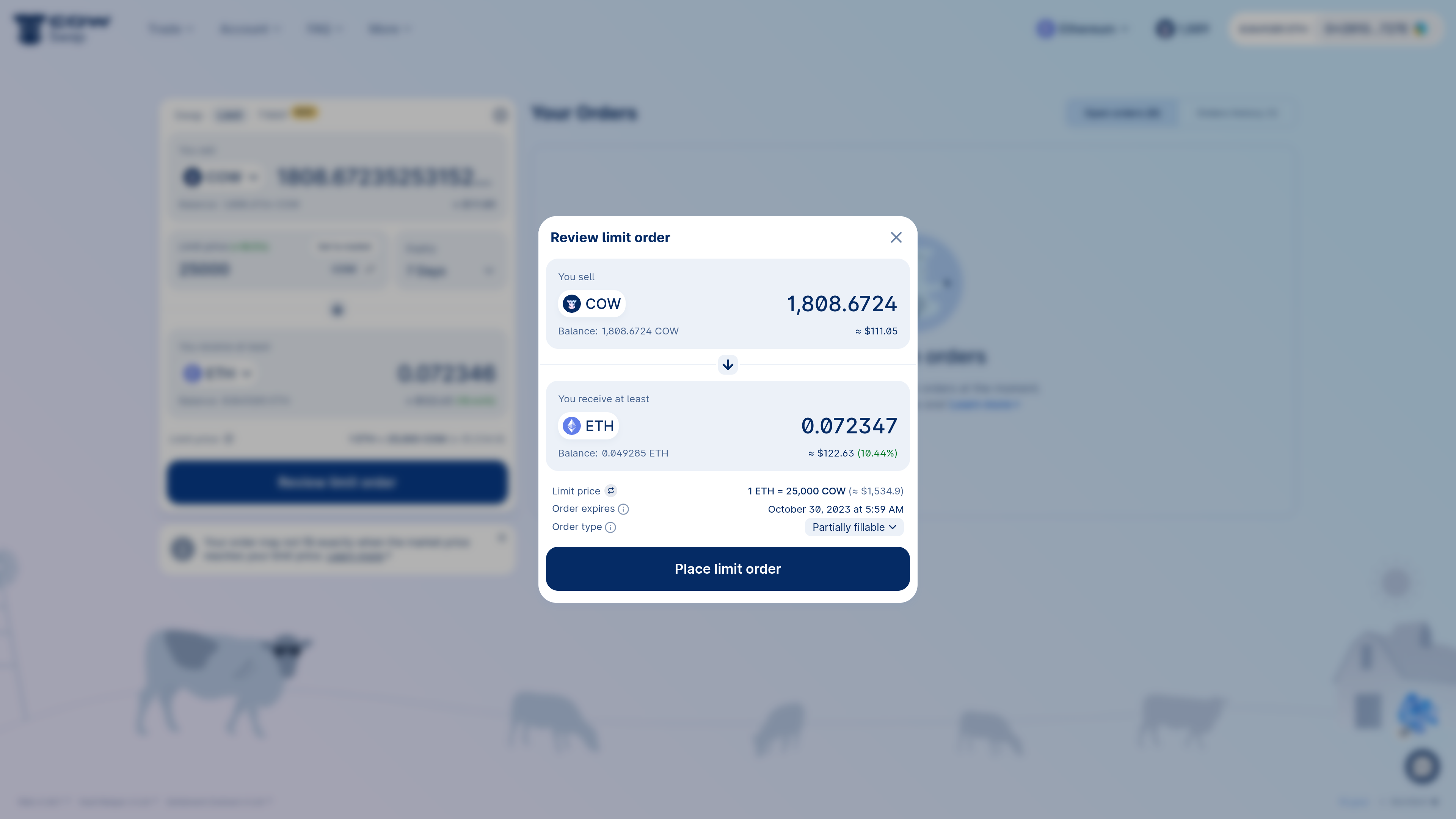
By default, CoW Swap sets your limit order to partially fillable. This allows your order to fill gradually as liquidity comes available. Partially fillable orders usually complete faster than fill or kill orders and also provide better prices, so they are the default mechanism used to execute limit orders. However, your order may not end up being filled completely, if the remaining fill amount is small compared to the required network fees of settling it. This can cause leftover amounts of sell tokens in your account. You can turn off partially fillable limit orders and revert back to fill or kill through the swap panel settings.
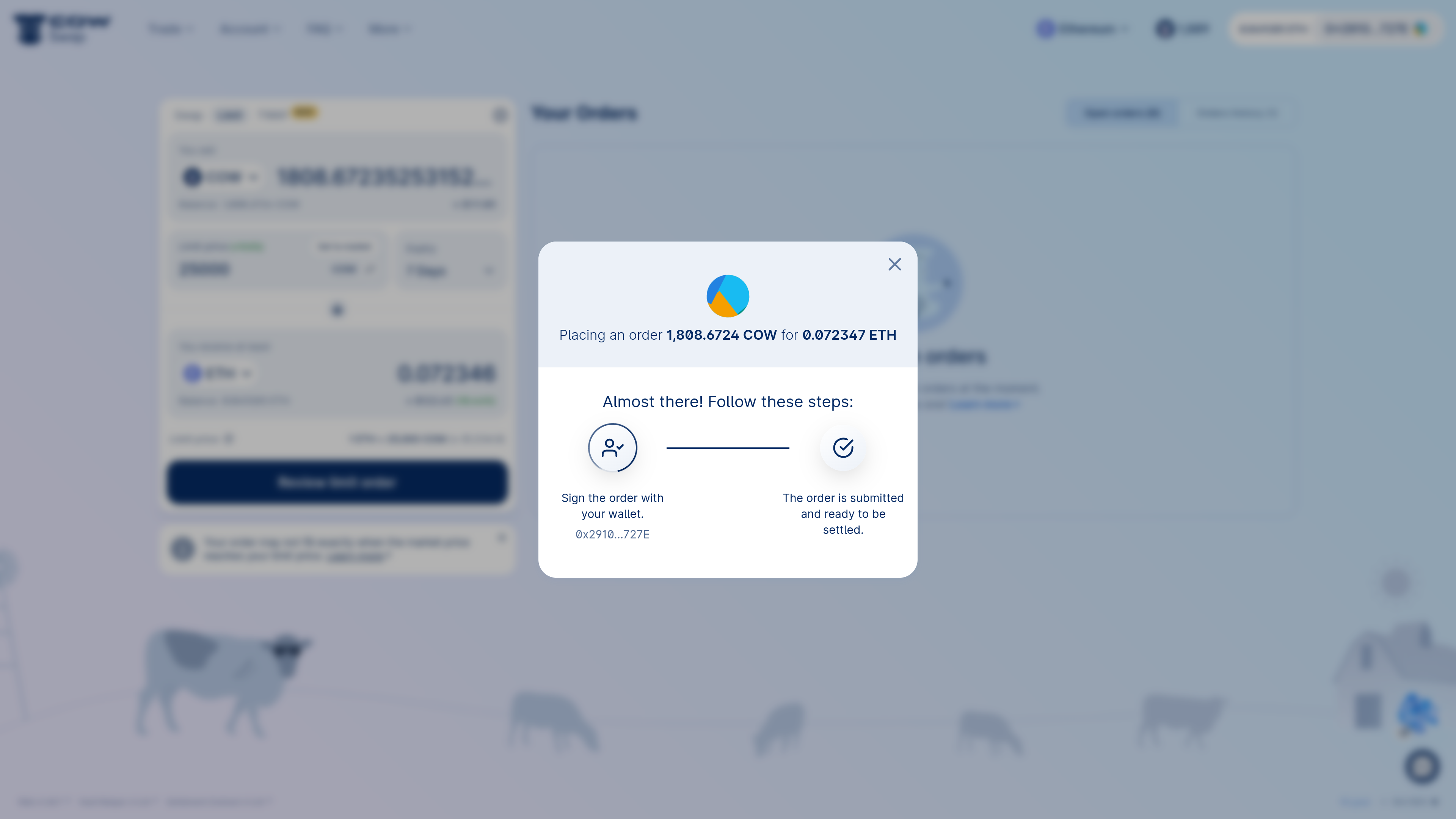
Track a limit order
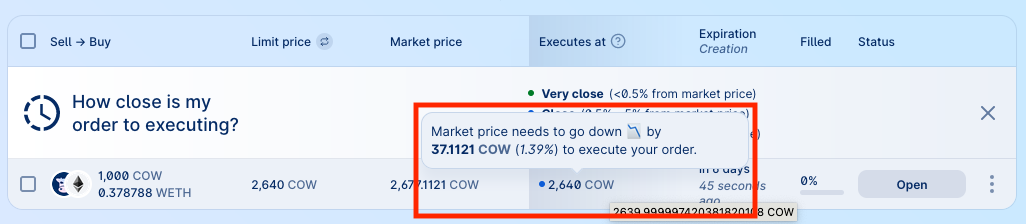
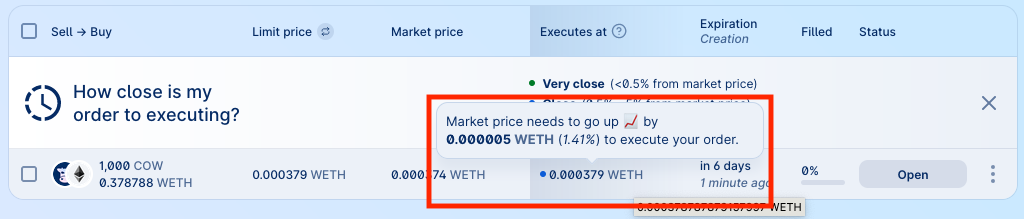
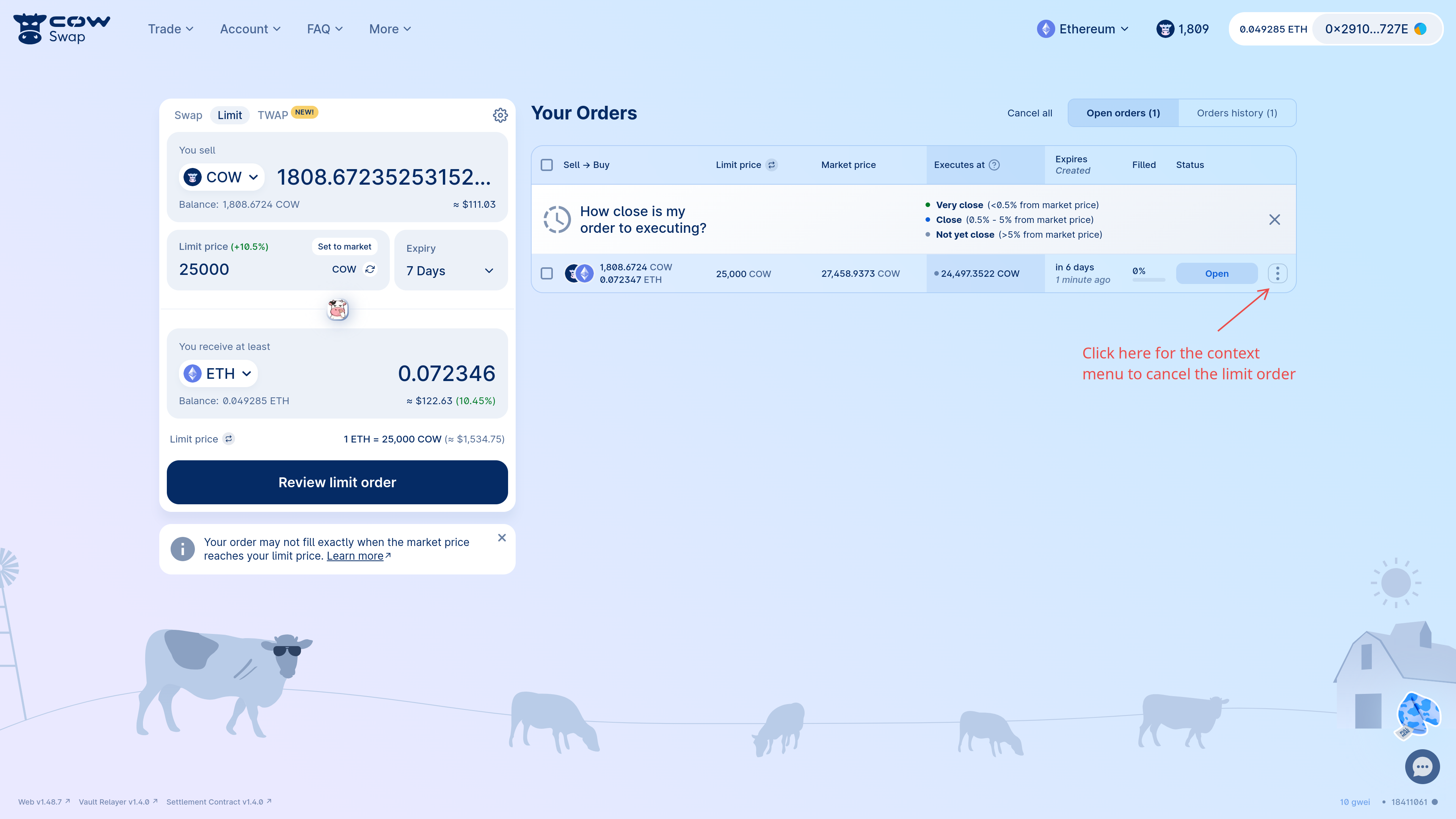
As mentioned above, limit orders on CoW Protocol don’t always execute exactly when the limit price is reached. This is because the protocol waits for an even better price in order to cover the order’s network fees. The CoW Swap UI makes this explicit by showing an open order’s current execution price in addition to its limit price. Check the “Executes at” column in the open orders panel to see, based on current network conditions, what price your tokens would have to reach for the order to execute.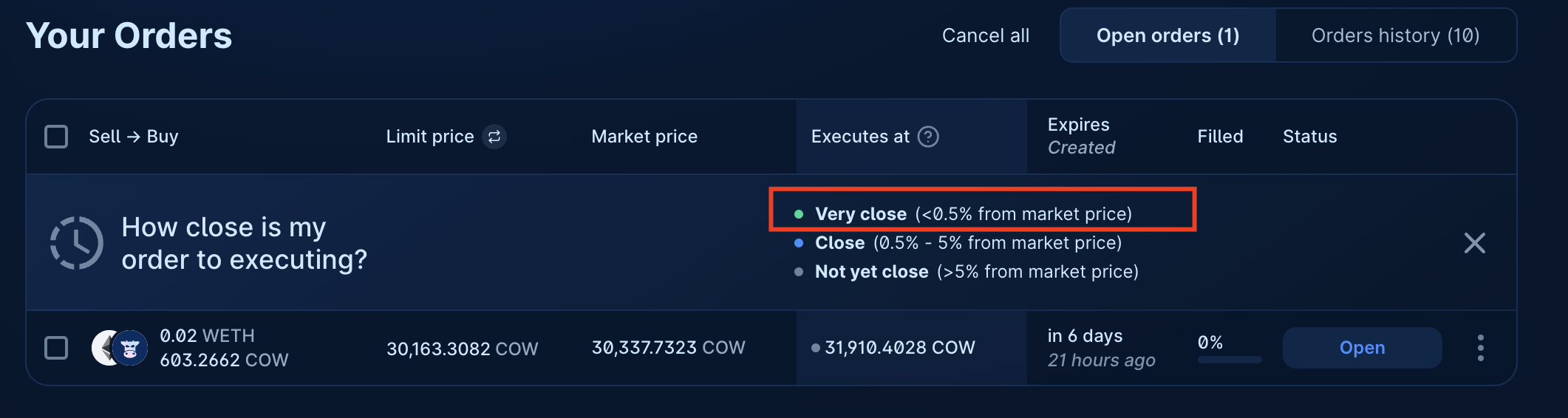
Cancel a limit order
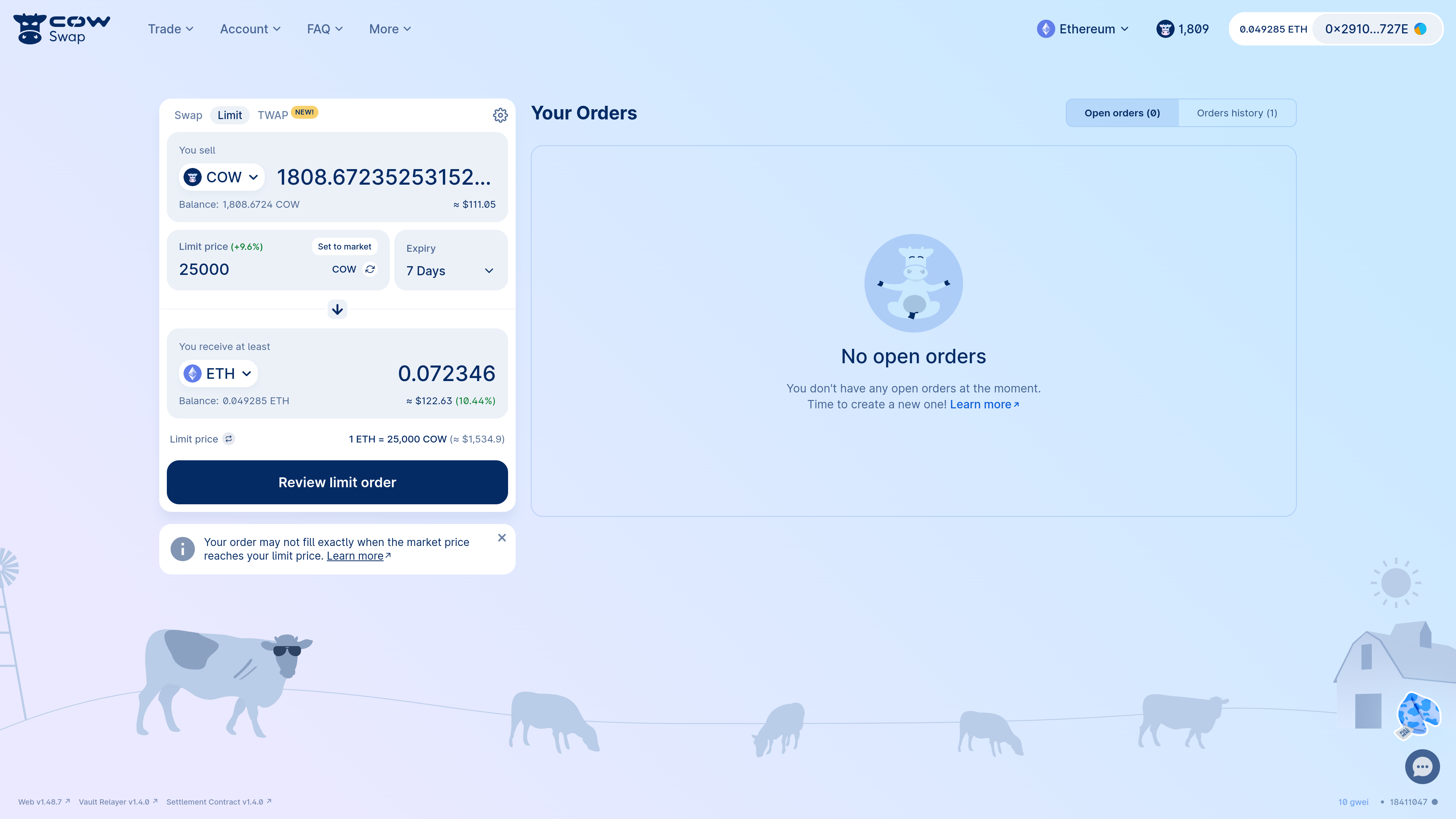
Now we’ve been doing some thinking and realised we shouldn’t be sellingCOW, so we want to cancel our limit order. We can do this by clicking the context menu on the order and selecting “Cancel order”:
off-chain is free and does not require a transaction. However, there is a risk that the order is matched between the time you cancel it and the time the cancellation is processed off-chain.
Cancellations are not immediate, and your order may settle before the cancellation goes through.
off-chain cancellation, click “Request cancellation” as shown below.
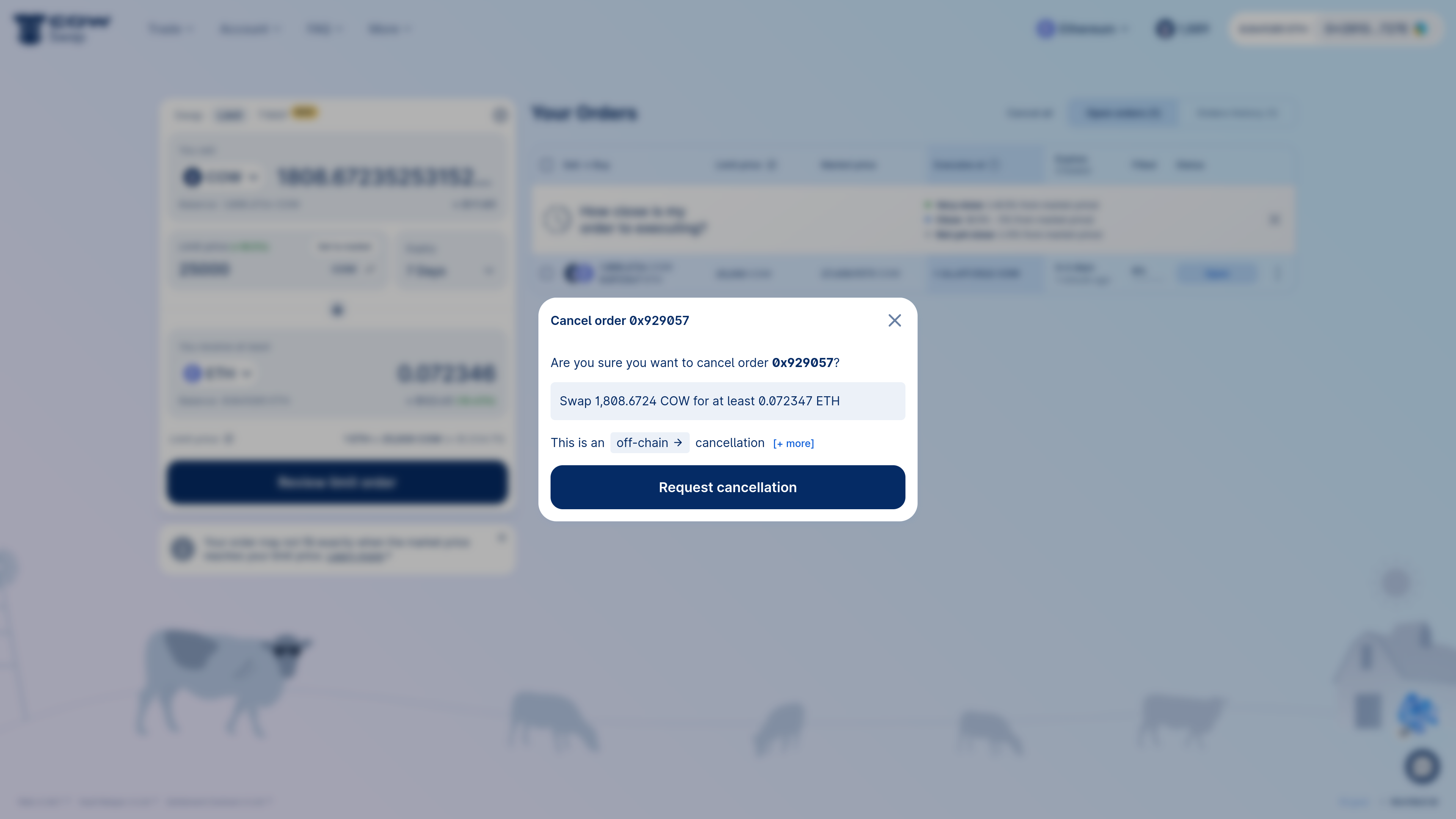
on-chain cancellation transaction. This will cost gas. To do so, toggle the type of cancellation to on-chain by clicking on off-chain.
Even with
on-chain cancellations, there is still a risk that the order is matched before the on-chain cancellation transaction is confirmed. Make sure to set a high priority fee and sign swiftly.off-chain transaction. So feel free to place and cancel limit orders as many times as you want! (Alternatively, if you want a limit order to be canceled as quickly as possible, you can choose to do the cancellation on-chain instead.)
Once the order has been cancelled, it will be removed from the open orders list and move to the orders history: