Safe Dapps, are third party interfaces that live inside the Safe Wallet Web and allow users to interact with deFI protocols with a customised user experience. CoW Protocol Widget has a deep integration with Safe Dapps, which allows anyone building a Safe Dapp to seamlessly add trading functionality. This is interesting for Safe Dapps because:
  • 🧱 Cut the development costs, building a good trading experience is hard!
  • β˜”οΈ Offer users all CoW Protocol innovations, like protection from MEV, just-in-time path finding (optimised for Multisigs), batching of transactions and more.
  • πŸ€‘ Create a revenue model for your Dapp by using the partnerFee (see Fees).
The easiest way to get started is to follow the steps below.

Demo​

Before you start, you can get a feel of the Safe App example. Feel free to skip this step! The example shows:
  • How to make a new Safe App
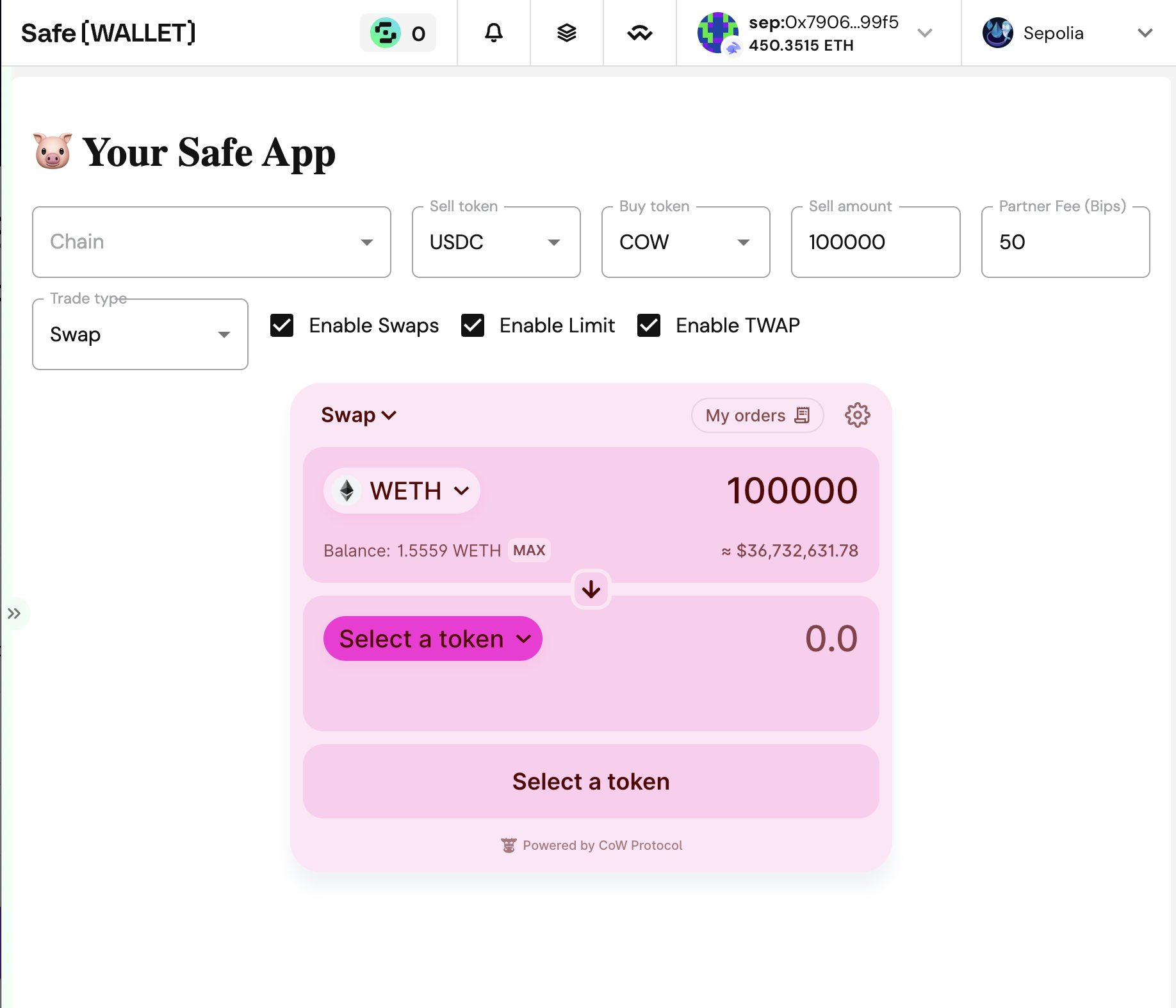
  • How to make Swaps, Limit orders and TWAPs
  • How to control programatically the swap widget
  • How to detect trade parameters (token selection, amounts, etc.)
  • How to define a dynamic fee
  • How to customize the colors, tokens, sounds, etc
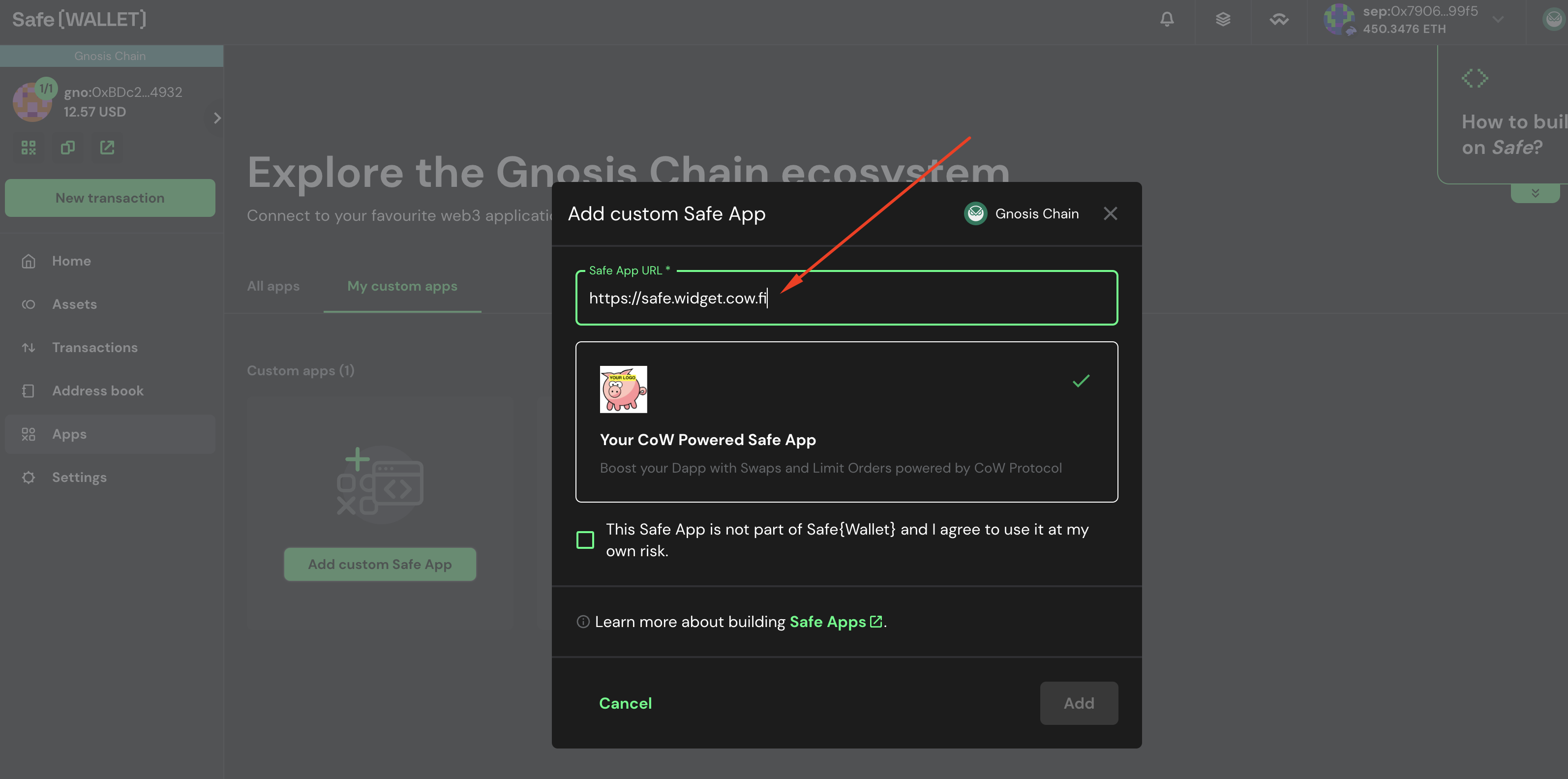
To use the demo, just follow the instructions in Add your custom dapp in Safe Wallet below, but instead of adding the URL http://localhost:9999, use the URL https://safe.widget.cow.fi. Safe custom dapps 0
Fork the project​

You can use the safe-app-example to start with some basic boilerplate code. Go to https://github.com/cowprotocol/safe-app-example and fork it. Fork project This will create a copy of the project so you can safely make modifications on it.

Clone boilerplate code​

Once you have forked the project, clone it to your local machine.
git clone <your-repo-url>

Run app locally​

Launch the Dapp on port 9999 (for example).
# Install dependenciesyarn# Run the appPORT=9999 yarn start
The app should be running on http://localhost:9999.

Add your custom dapp in Safe Wallet​

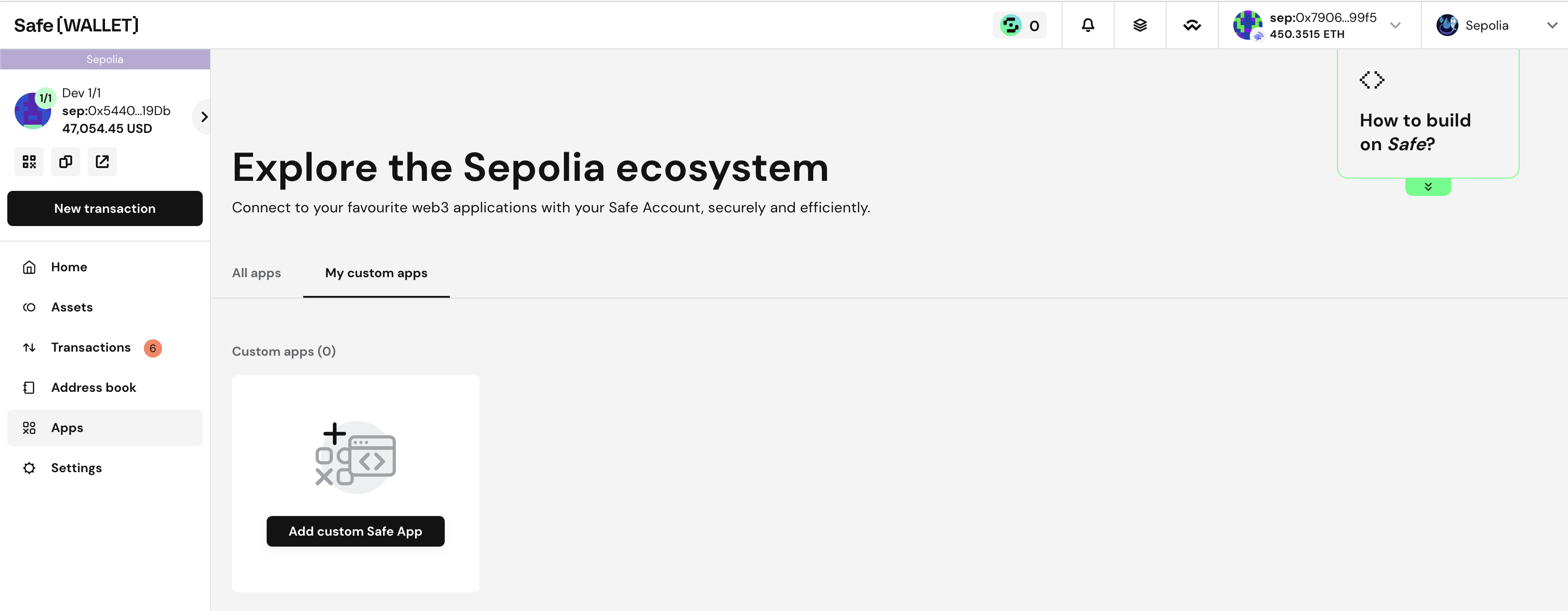
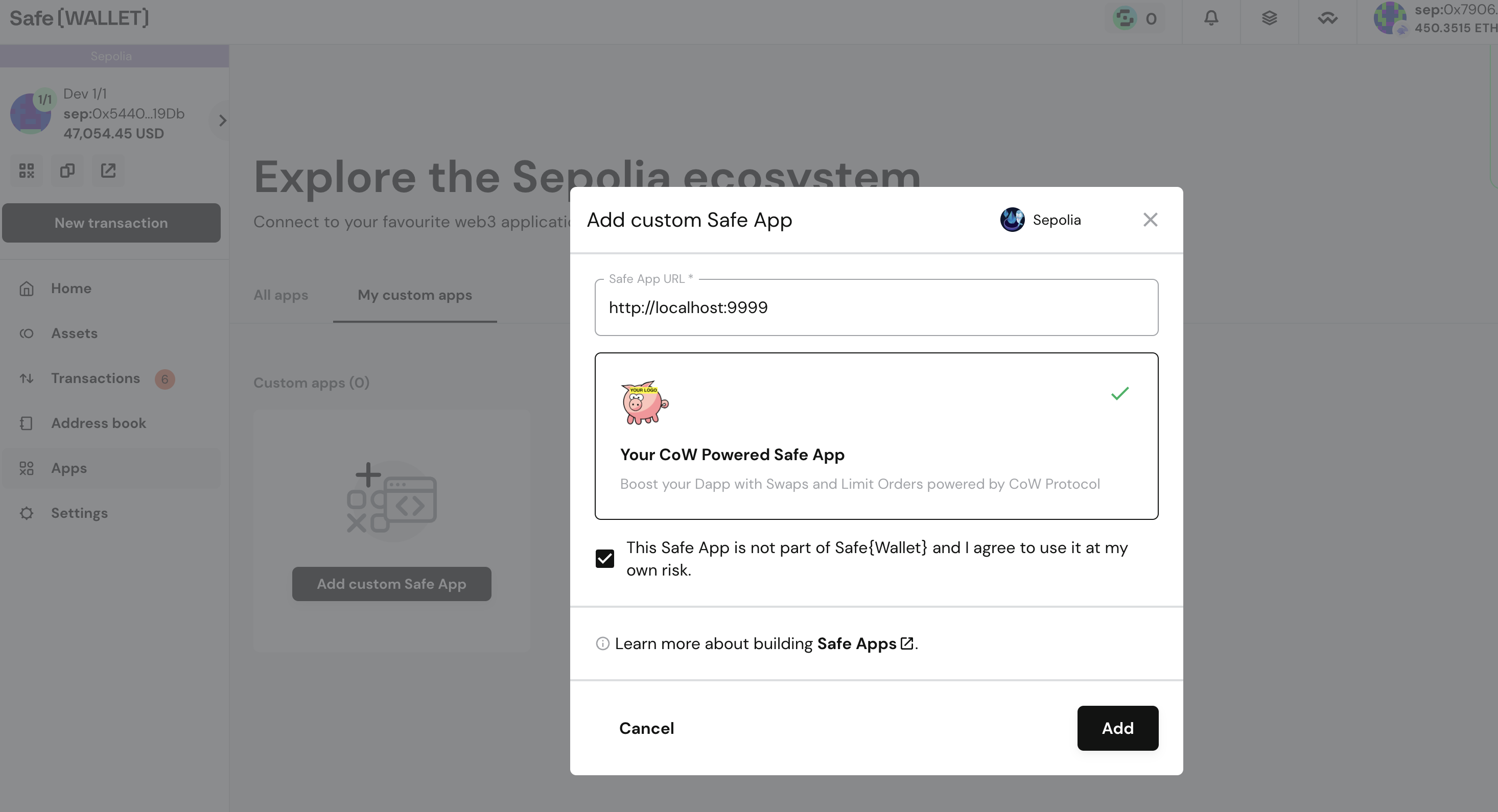
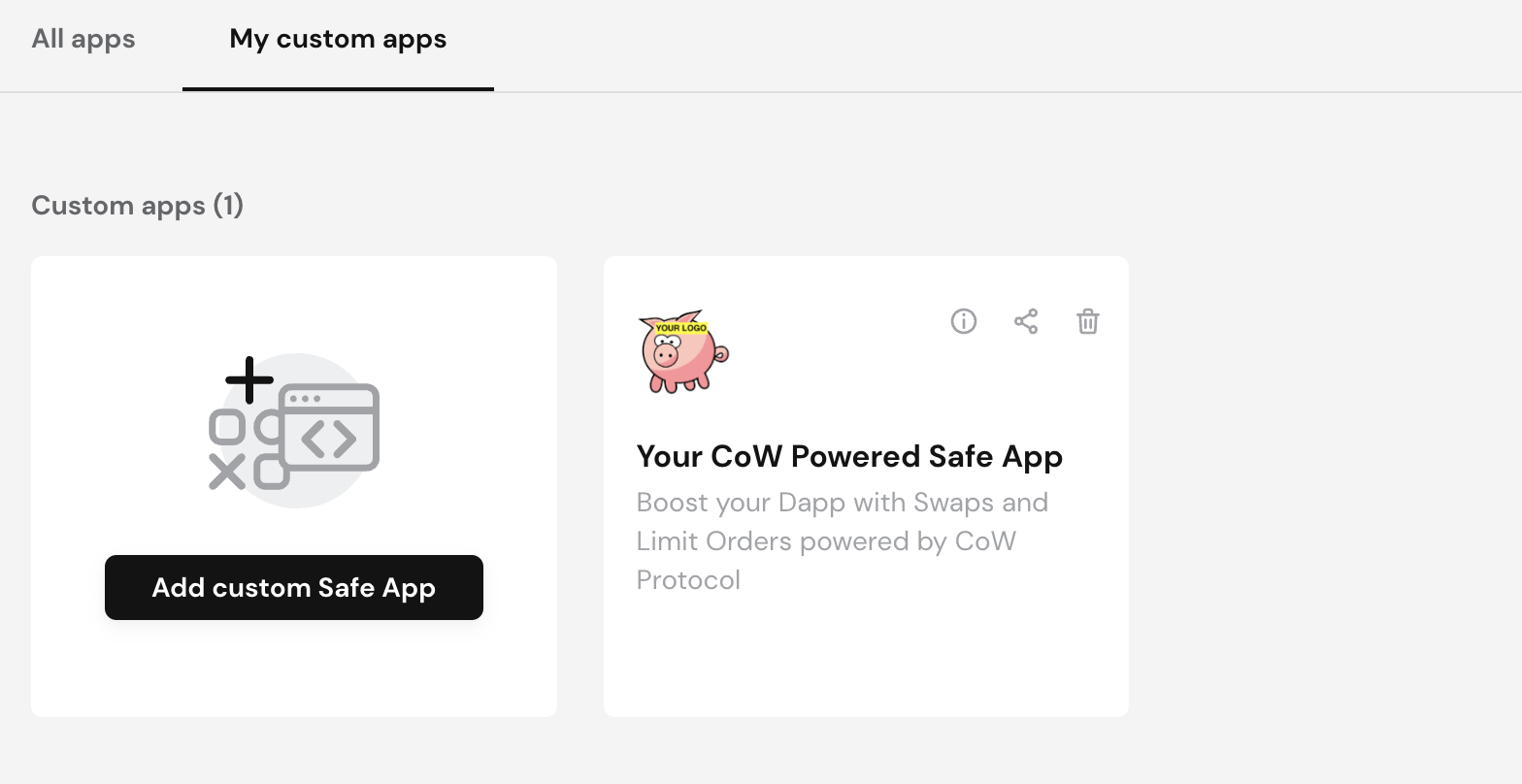
Go to https://app.safe.global and create a safe if you don’t have one for Sepolia network (convenient for testing). Then navigate to: Apps > My Custom Dapps. Safe custom dapps 1 Add your custom dapp: http://localhost:9999. Safe custom dapps 2 The dapp should be added in your local browser. Safe custom dapps 3 Open the app: Safe custom dapps 4 Try to make your first trade! You might need some tokens, or Sepolia Ether (you could use this faucet).

Explore the code​

Explore the code and try to make modifications! It’s your code now, try to make something useful for Safe users.

Follow Up​

From here, try to get more familiar with CoW Protocol and Safe, and enhance your application.
Last modified on March 4, 2026